ACCIDENT INSIGHTS · A PRACTICAL FIELD GUIDE
What Should You Save From Your Dash Cam After a Crash?
You have a dash cam recording of a collision. Before trimming it into a short clip or sending it through a messaging app, make a plan to preserve the original. The goal is to keep the recording usable and to remember where each copy came from.
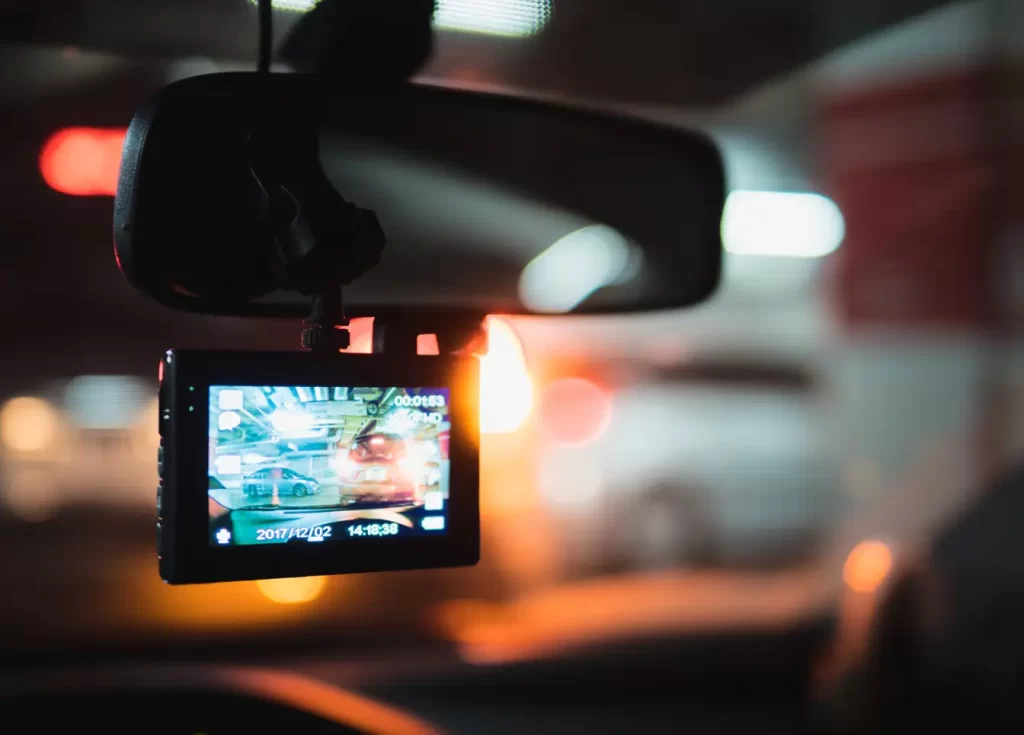
01 / YOUR DEVICE
Start with the camera’s own instructions
Once you are safe and urgent needs have been addressed, check your model’s instructions for protecting an event recording and exporting files. Recording modes, storage limits, and overwrite behavior vary. Do not assume a file is protected just because the camera displayed an event alert.
If you are unsure how to remove a card or export a recording without losing it, ask for help before formatting, resetting, or changing the device’s settings. Avoid experimenting on the only copy you have.
02 / THE FULL SEQUENCE
Save the context around the collision
Keep the original file containing the incident and any available files immediately before and after it. If your system records front and rear views separately, preserve both. A close-up of the impact may omit the approach to an intersection or what happened after the vehicles stopped.
Check that the exported files open and contain the expected recording. A successful download notification is not the same as confirming that the video plays.

03 / YOUR COPIES
Keep an original and a working copy
- Original files: preserve the exported recordings without trimming, captions, filters, or changes to playback speed.
- Backup: keep another copy in a separate, private location.
- Working copies: use duplicates if you need to identify a segment for discussion.
- File notes: record the camera model, export date, and who made the copy.
This is a practical organization method, not a guarantee that a recording proves fault or will be admissible in court. What a video shows, what it misses, and the surrounding facts still matter.
04 / TIME AND CONTEXT
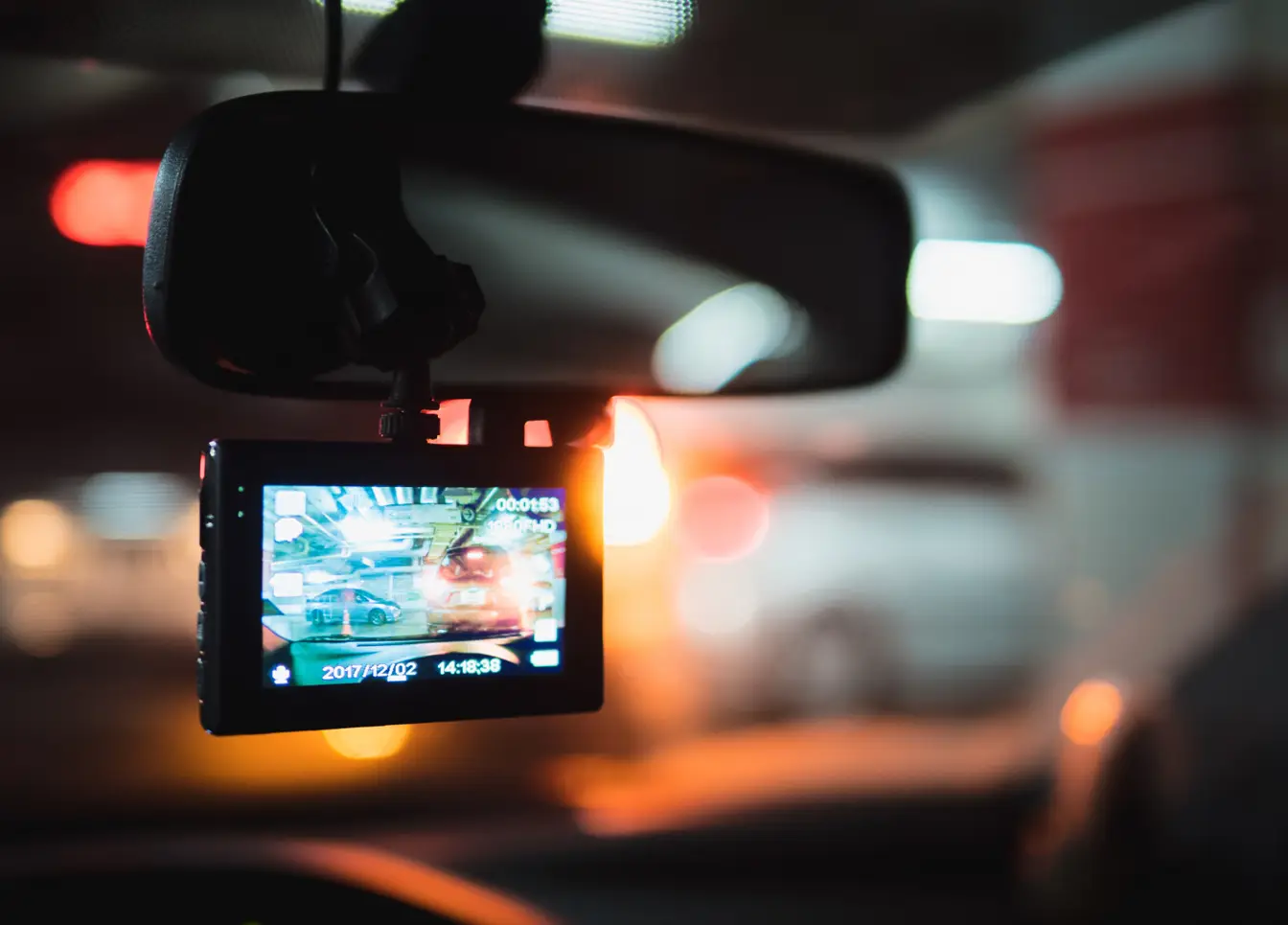
Write down any clock discrepancy
If the displayed time appears wrong, make a separate note. For example: “Camera display appears one hour behind my phone.” Describe how you noticed the difference. Preserve the original display rather than editing the footage to make the timestamp look correct.
A useful handoff note can be as simple as: camera model; original filenames; approximate collision time; which camera views are included; known clock discrepancy; and the location of the backup. Mark estimates as estimates.
05 / SHARING
Share a copy through the requested channel
Ask your insurer or attorney how they want to receive large files. Keep a note of which files you sent, to whom, and when. Avoid relying on a social-media upload as your only saved version, and avoid public links that expose other people’s identifying details.
The California Department of Insurance’s accident guidance also recommends documenting the scene and vehicle damage. A recording can accompany those materials; it does not replace every other record.
06 / RELATED GUIDES
Where this fits into your accident file
For the broader preparation checklist, read Your Best Protection Starts Before an Accident. If the other vehicle left the scene, our hit-and-run guide covers additional evidence and next steps.
For questions about an injury accident, contact Bridgewater Law Group or call (626) 733-4100.